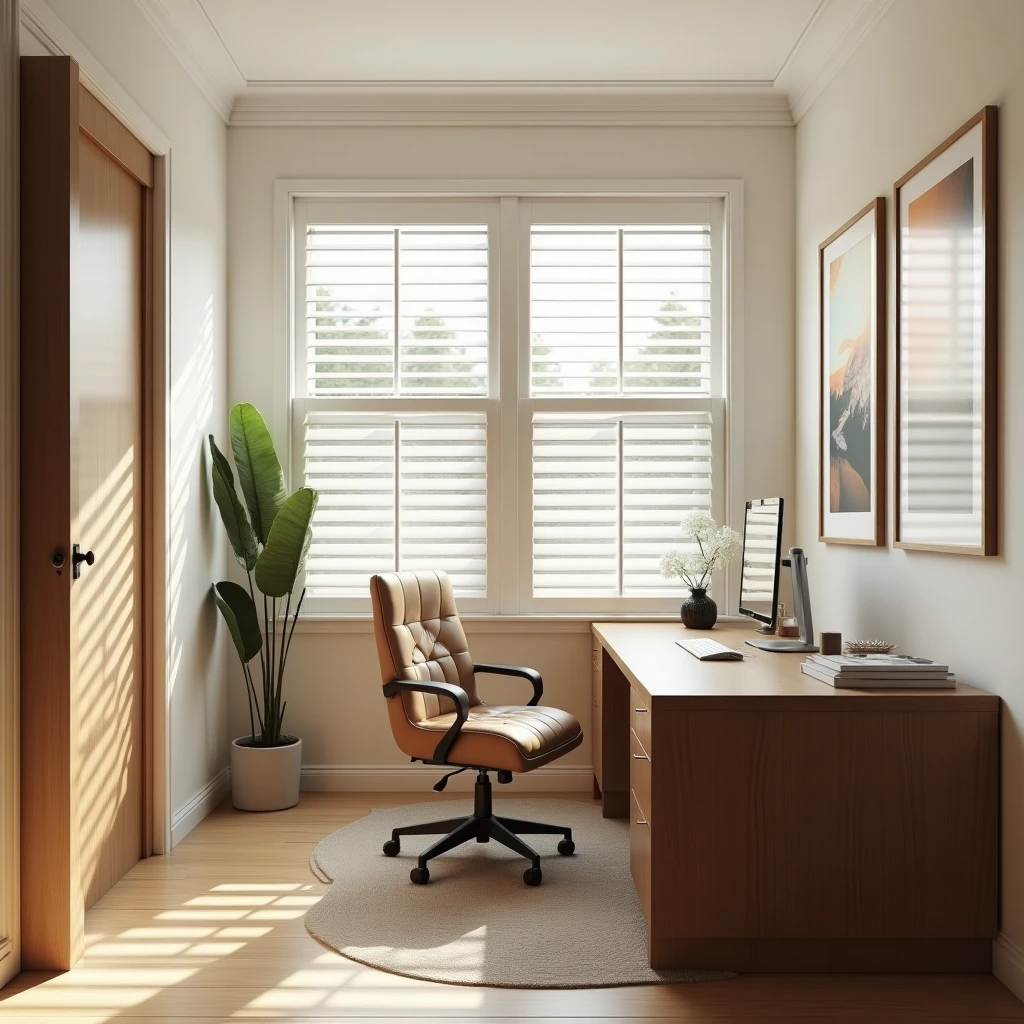
The Ultimate Guide to Building a ‘Smart’ Home Office on a Budget
Smart Home Office: Why Bother?
Let’s cut the nonsense. In a world where remote work is more common than a cold in winter, having a smart home office isn’t just a trend—it’s a necessity. You can’t ignore the benefits of working smart, especially when it can boost your productivity and make working from home less of a drag. The good news is, you don’t have to shell out a fortune to get there. Here’s how you can build a smart home office without breaking the bank.
Smart Lighting: Start With the Basics
Lighting can make or break your home office setup. Smart lighting not only looks cool but also adapts to your needs. Here’s how to keep it budget-friendly:
– Opt for smart bulbs like Wyze or Sengled. They’re cheaper and work with most smart home systems.
– Use smart plugs to control non-smart lamps. They’re dirt cheap and do the job.
– Consider a light strip for added ambiance. Brands like Govee offer budget options with decent features.
Voice Assistants: Your New Best Friend
Voice assistants aren’t just for setting timers or asking dumb questions. They can control your entire home office setup. Here’s the lowdown:
– Go for entry-level devices like the Amazon Echo Dot or Google Nest Mini. They’re affordable and pack plenty of punch.
– Use them to control lights, play background music, or even manage your calendar. Integration is key.
Smart Plugs and Power Strips: Control and Convenience
Smart plugs are the unsung heroes of any smart home setup. They’re inexpensive and incredibly useful:
– Brands like Kasa and Gosund offer affordable options that work with Alexa, Google Assistant, and more.
– Use them to manage your electronics remotely. Turn off your printer or coffee machine without leaving your chair.
Smart Thermostat: Comfort Without the Cost
A smart thermostat can save you money on energy bills while keeping your office comfy. Don’t fall for the premium models unless you’ve got cash to burn:
– Consider budget-friendly options like the Wyze Thermostat. It’s easy to install and offers decent features.
– Program it to adjust the temperature during work hours for optimum comfort and efficiency.
Ergonomics Meets Technology: Get Smart with Furniture
You might not think of your chair or desk as part of a smart setup, but you’d be wrong. Ergonomics matter:
– Look for adjustable desks and chairs. Brands like Autonomous offer affordable options that combine tech with comfort.
– Consider a smart standing desk converter. It’s cheaper than a full desk and gives you the flexibility to stand or sit.
Conclusion: Do You Really Need All This?
Let’s be real. Not everyone needs a full-blown smart office. But if you’re spending hours at your desk, a little tech can go a long way in boosting productivity and comfort. The key is not to get sucked into buying the most expensive gadgets out there. Stick to the essentials, prioritize what’ll make your work life easier, and skip the rest. Remember, the smartest part of a smart office is how you use it, not how much it costs.

Salman started Max News to cut through the corporate fluff in the tech world. As an independent researcher and writer, he focuses on honest, no-nonsense reporting on AI and automation. Salman believes tech should be easy to understand and actually useful. His work helps people track and understand where technology is going in 2026 and beyond.”